See how HelloNoa works
From first ping to paid.
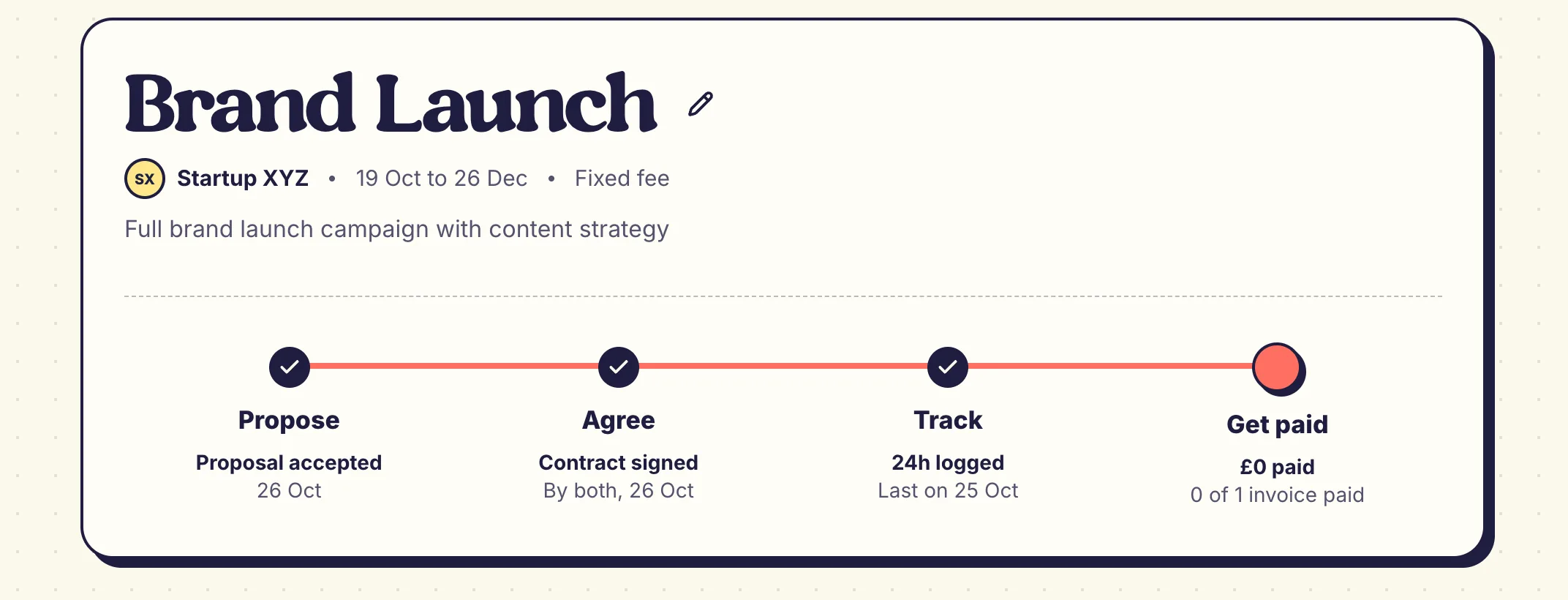
The real screens, following one project from the client's first message to the money in your account. See what your client sees on the way.
Free to start · No card needed · Cancel anytime
Screen by screen
One project, both sides.
Each step shows the real screen: yours, or the one your client gets.
01 You
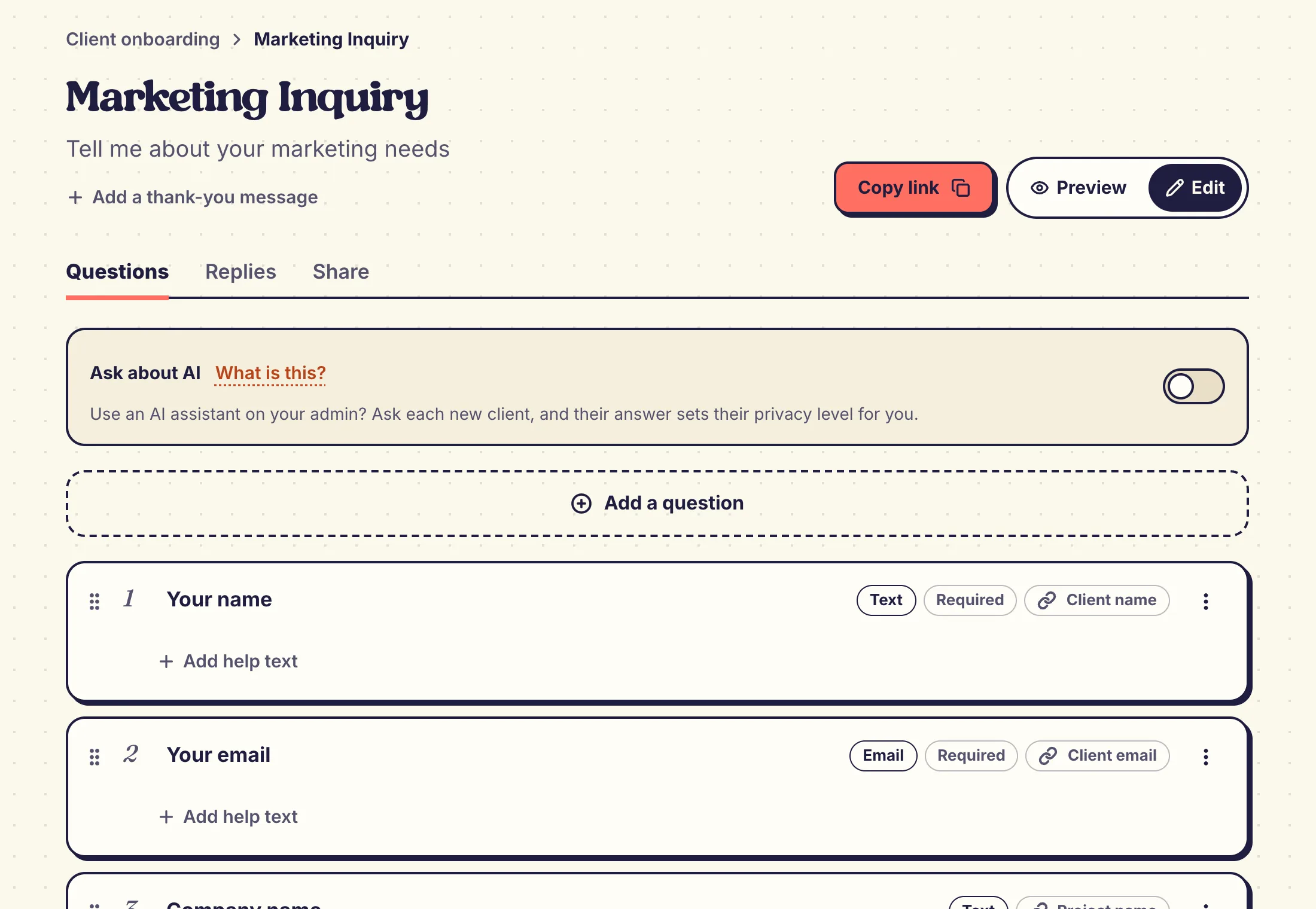
You build your form
Start from a ready-made form or a blank one, then add, reorder and reword the questions. Share one link, and each answer fills in the client and the project for you.
- Answers become the client and the project
- Preview it exactly as your client will see it
About 2 minutes to set up
02 You
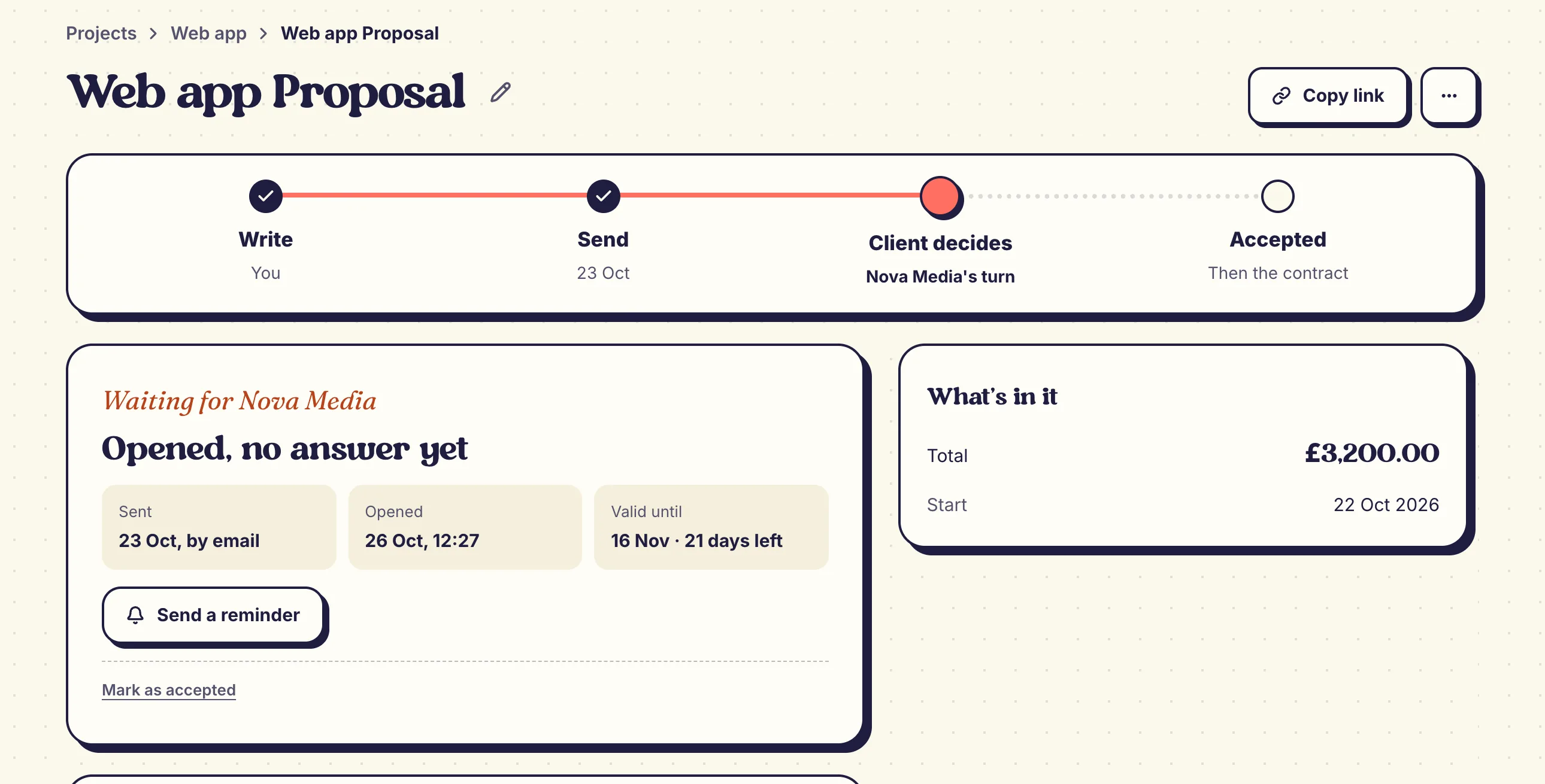
You send a proposal
Pick what goes in, set your prices and send one link. You see the moment they open it and the moment they say yes.
- Their details are already filled in
- Noa tells you when to follow up
A few minutes
03 Your client
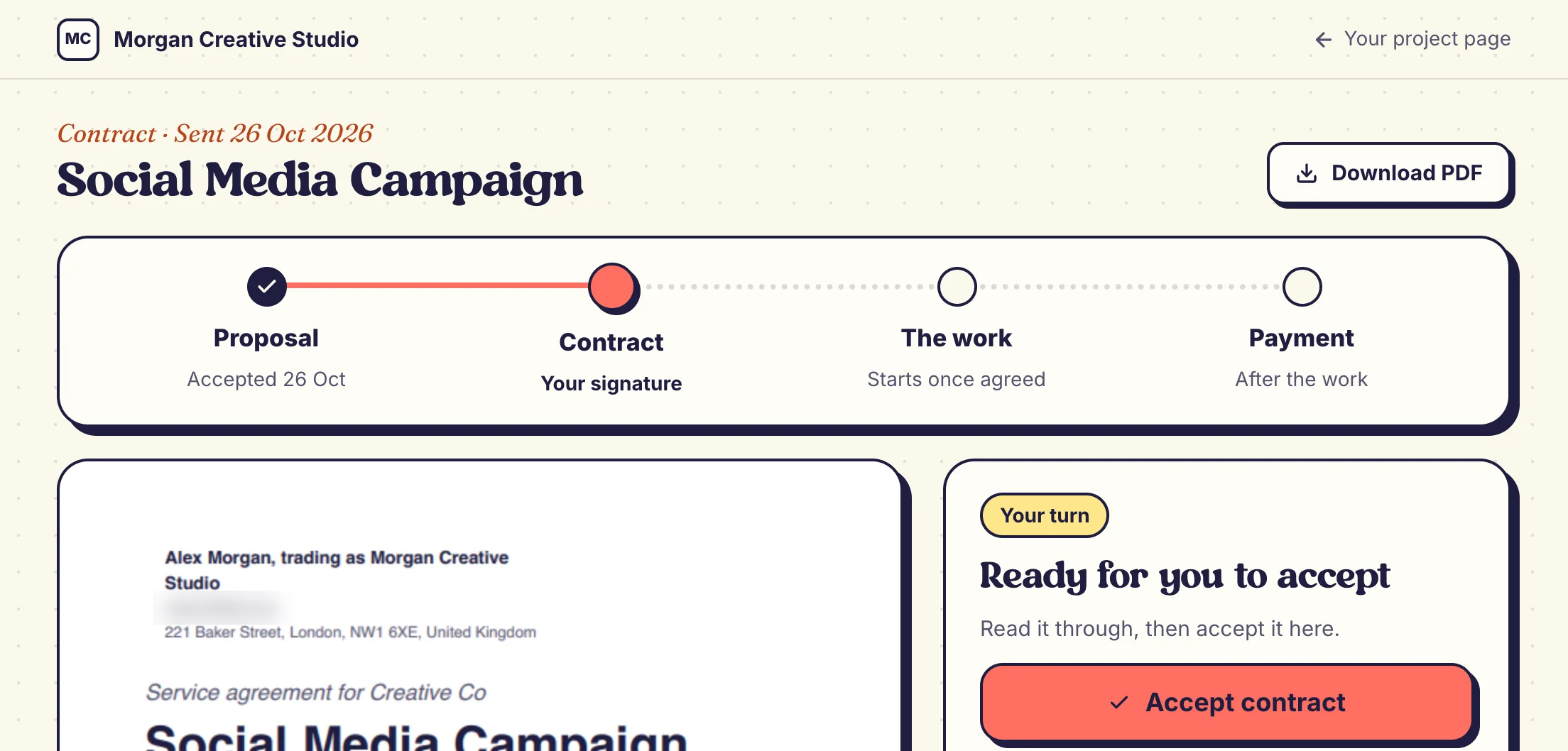
They accept and sign
Your client sees the key terms at a glance, reads the contract, then accepts and signs online. No printing and no account.
- Lawyer-reviewed UK template
- A full audit trail on every signature
04 You
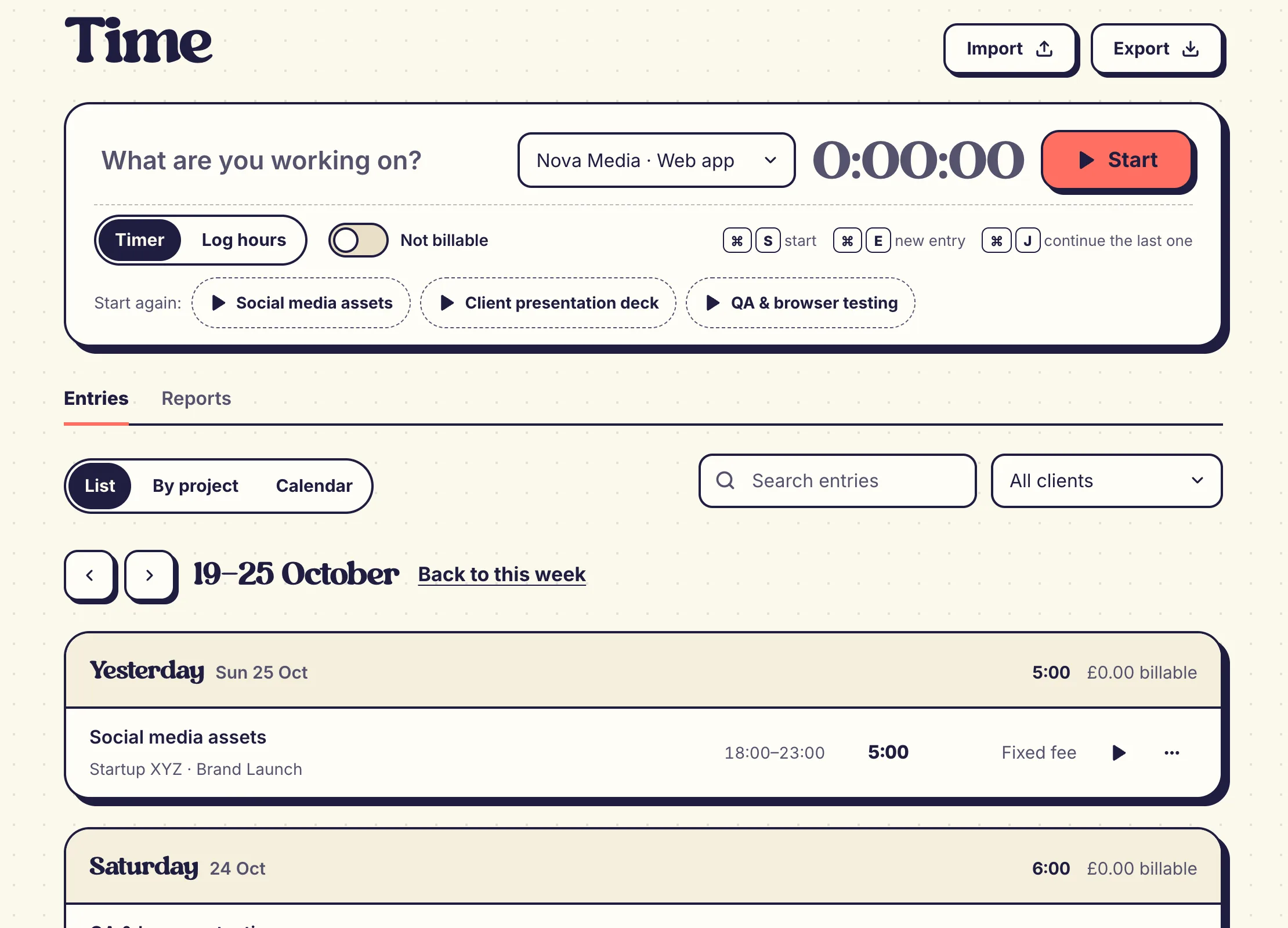
You track your time
Start the timer when you start work. The hours wait for your next invoice, so nothing gets retyped or forgotten.
- Billable or not, entry by entry
- Your rate, set once
One click
05 Your client
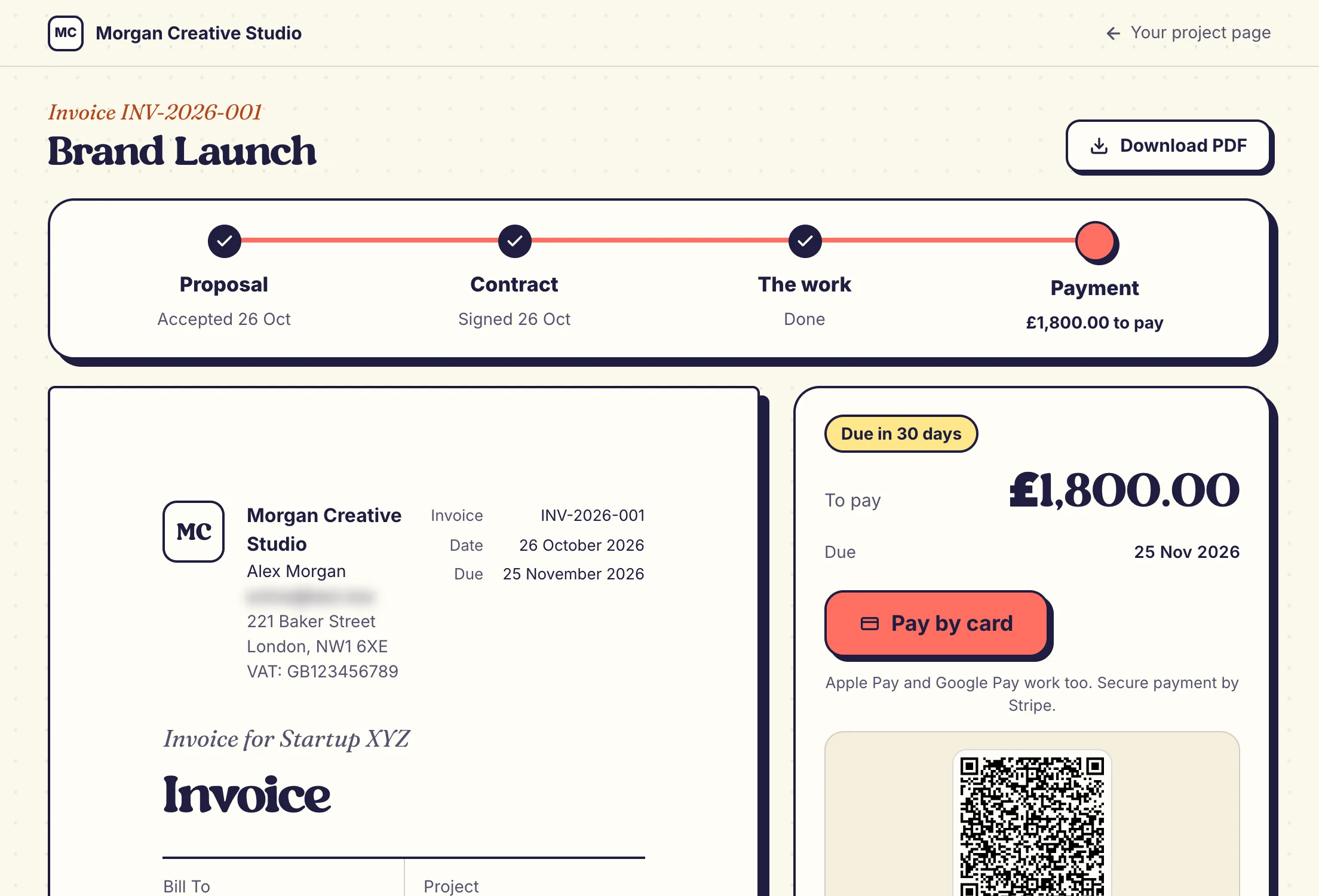
They pay by card
Your client pays straight from the invoice, by card or wallet, or scans the code to pay from their phone. If they're late, Noa flags it and you send a reminder. Essential and Pro can switch on automatic reminders.
- Card, Apple Pay or Google Pay
- Auto-reminders on Essential and Pro
Paid, and you're told
06 You
Noa tells you what's next
Noa keeps an eye on every project and says what needs you, one line at a time. A payment lands, it tells you. Things go quiet, it suggests a next step.
- Free on every plan
- Snooze anything until tomorrow
Always on
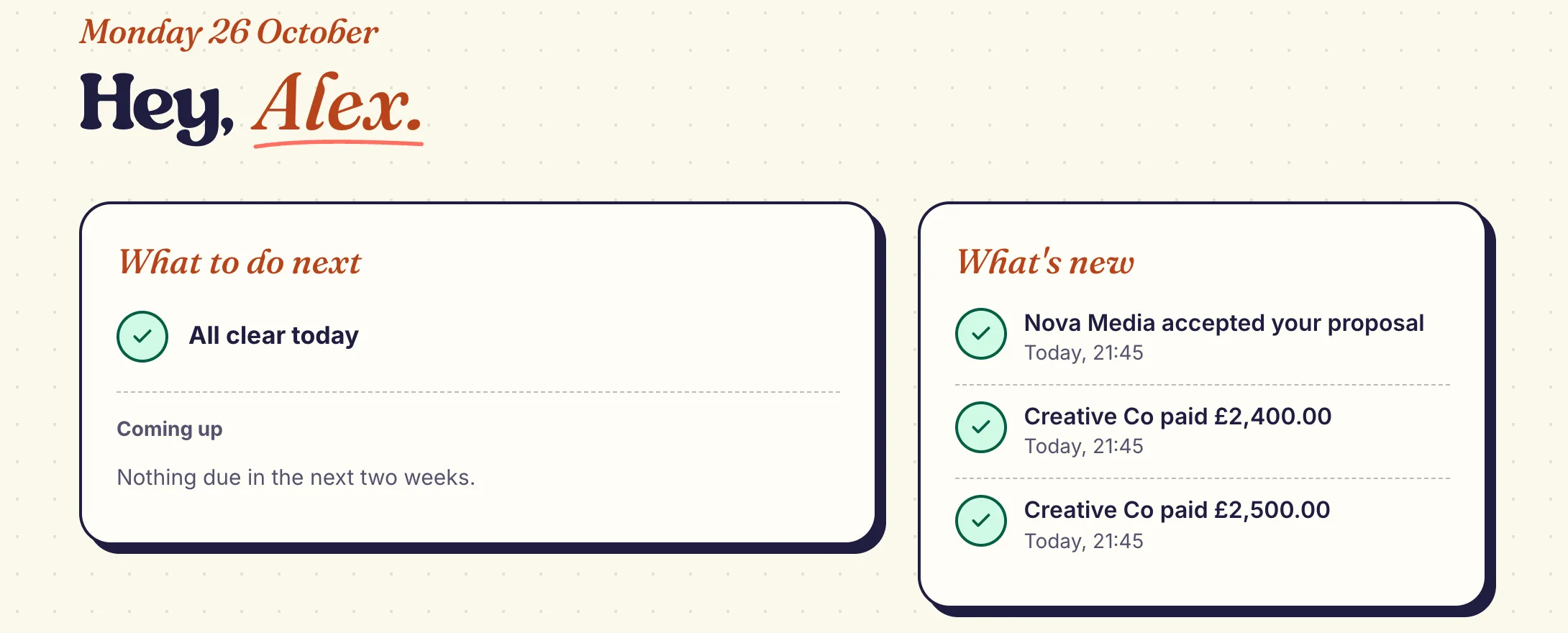
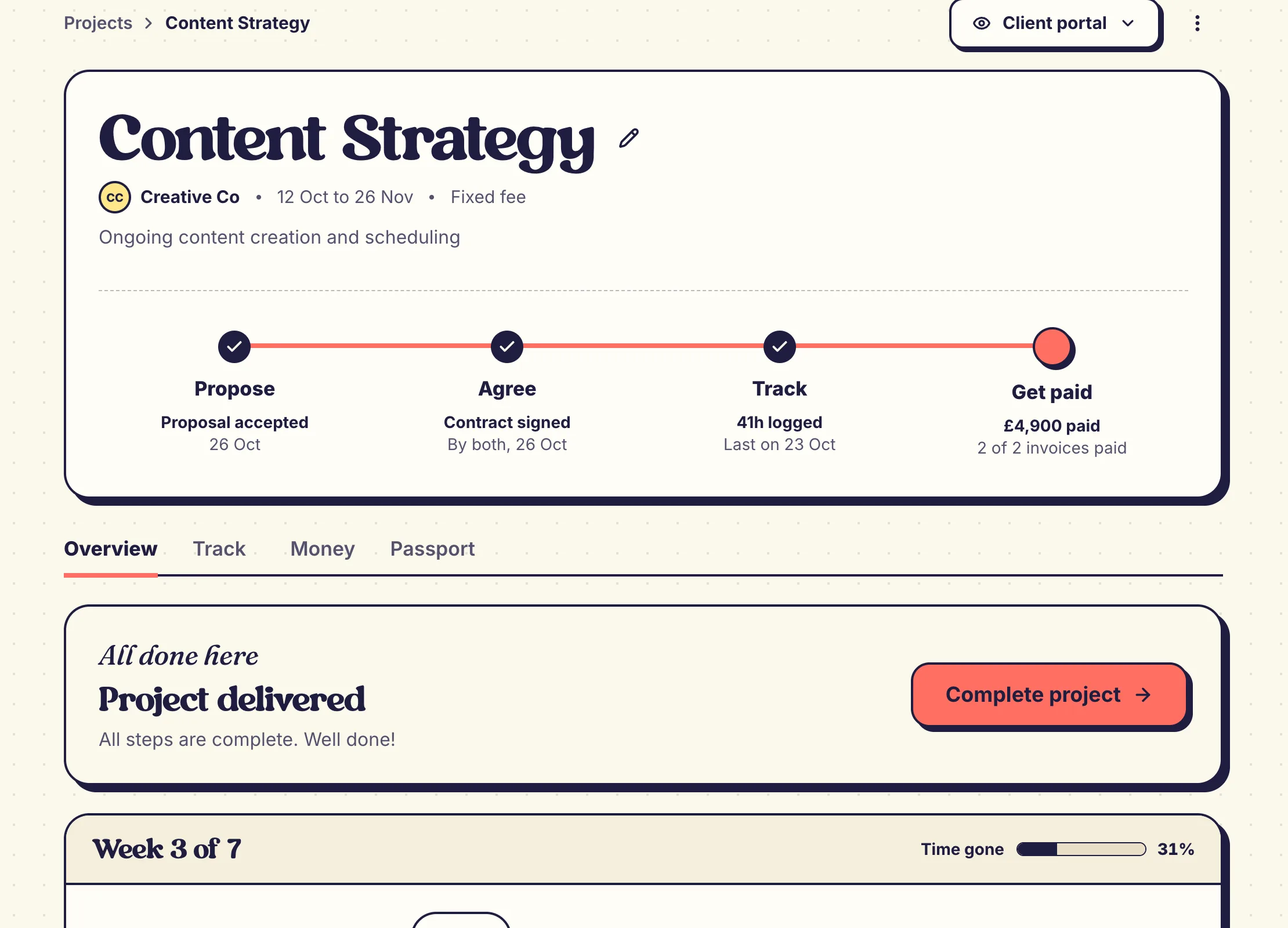
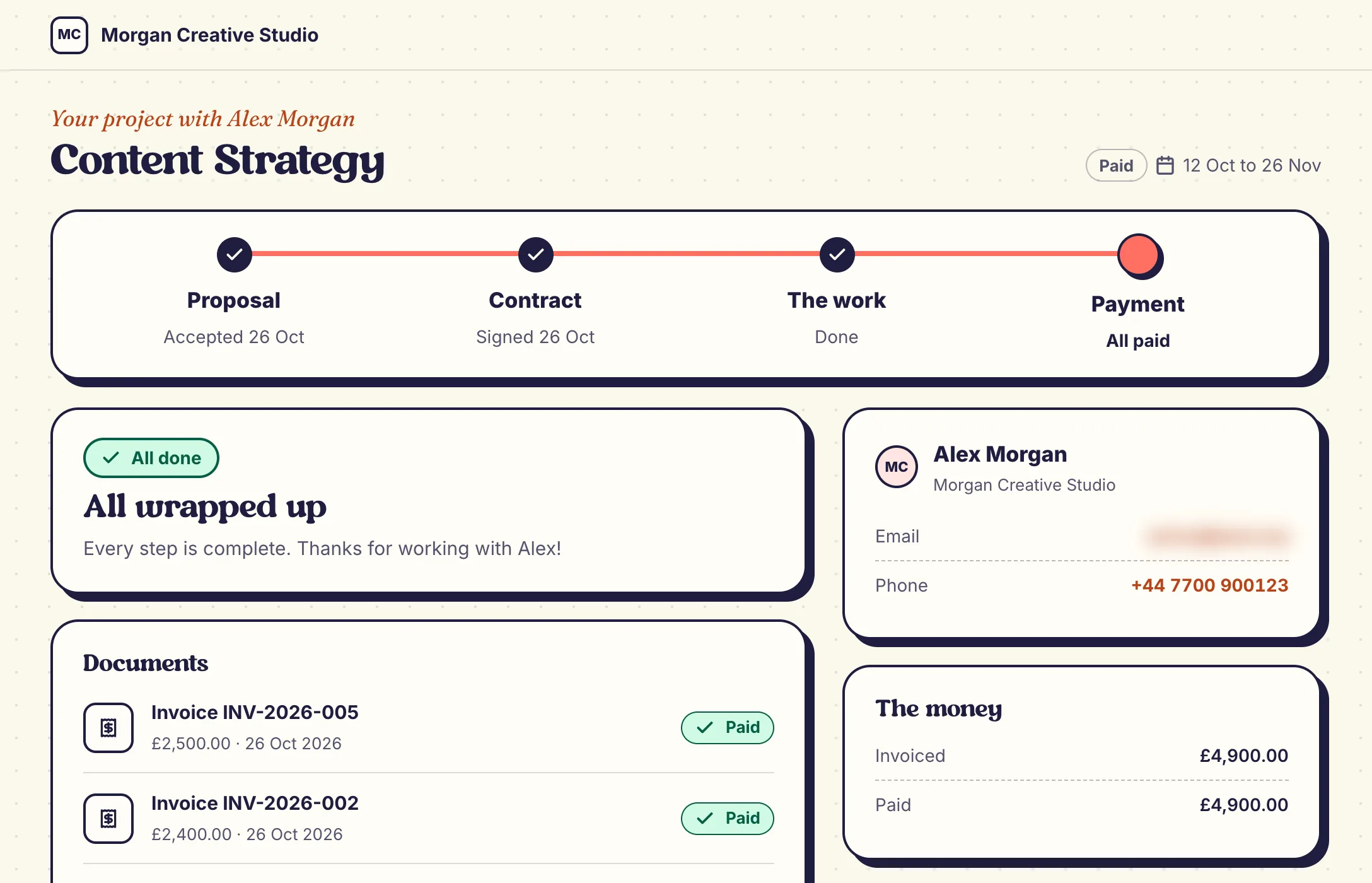
Same project, two views
What you see, and what they see.
Your client gets their own page for the project: what's signed, what's due, what happens next. One link, no account. On Essential and Pro.
What it replaces
One studio instead of five tabs
Replaces your scattered tools, and the subscriptions that come with them.
85% of freelancers experience late payments. Most find out too late that a contract clause, a tracked hour, or a follow-up would have stopped it.
Without HelloNoa
- A contract tool for signatures
- A spreadsheet for time tracking
- A separate invoicing app
- A proposal doc that lives somewhere else
- No one watching for late payments
£500 a year saved vs 5 tools
With HelloNoa
- Proposals, contracts, time and invoices in one place
- Lawyer-reviewed templates, signed in minutes
- Time tracked as you work, ready to bill
- Noa flags a late invoice, you send the reminder
Try it on your own project.
And starting is quick
From sign-up to sent.
No setup slog, no onboarding call. Three steps from sign-up to a contract on its way.
-
Sign up. No card.
You're straight into your studio.
-
Add a client, build your contract.
Lawyer-reviewed template. Noa flags what's missing.
-
Send it, start tracking.
One link to your client, one click on the timer.
FAQs
Honest answers.




 A freelancer at a desk throws both arms up while Noa waits at the edge of the picture with a rolled-up contract on its head.
How long does setup take?
Minutes. No onboarding call and no card needed.
Is it hard to move over from my current tools?
No. You can start fresh in minutes, and if you're coming from AND.CO or a spreadsheet, our CSV import wizard brings your clients, projects and time entries across. Everything then lives in one place instead of spread across apps.
What happens after I sign up?
Nothing scary. You get 14 days with most Pro features and no card, then the free Starter plan for as long as you like: no commitment, no surprise charge. Poke around, try things. When you're ready, upgrade to Essential (£18/month inc. VAT) or Pro (£42/month inc. VAT), and if you joined as a founder, your first month is free and your 15% off monthly plans stays for life.
Do I need a lawyer for the contracts?
Not for everyday jobs. The templates are written by Sofia Sabben, a solicitor of England and Wales, and cover scope, payment terms, IP and data protection. You answer guided questions to tailor each one. For a large or unusual deal, get advice on your own situation from a solicitor.
How is HelloNoa different from using ChatGPT for contracts?
ChatGPT can generate text, but it cannot send contracts for e-signature, track your time, create invoices, chase late payments, or give your clients a portal. HelloNoa connects the full workflow, from proposal to payment, so admin actually gets done instead of piling up.
What do my clients actually see?
On Essential and Pro, a clean, branded portal with your logo: they review proposals, sign contracts, and pay invoices, no account required. On Starter, each document goes by its own secure link.
Is HelloNoa only for UK freelancers?
HelloNoa is designed with UK freelancers in mind. Our contract templates follow UK law, and we use UK English throughout. That said, anyone can use the free plan; paid plans are UK-only for now. The contracts, invoicing, and time tracking work regardless of location.
What happens to my stuff if I cancel?
Cancelling just drops you to the free Starter plan, so your contracts, invoices, and time logs stay put and you can export them anytime. Nothing gets deleted. If you ever choose to fully delete your account, there's a 30-day grace period to change your mind, then we remove your personal details (invoices, proposals and contracts are kept as financial records for 10 years, as our Terms explain). We don't hold your data hostage to keep you subscribed.
More questions? See all FAQs or email us.



 A freelancer lounges in a beanbag with a coffee and a phone while Noa, shaped like a stamp, hovers over the coffee table beside an invoice.
Less admin. More getting paid.
Replace your scattered tools with one connected studio.
Start free- Free to start
- No card needed
- Cancel anytime